
GBA Emulator: Play Retro Games
by Gamesira · Android
Play your GBA, GBC & GB games on Android
Patch your ROM hack on PatchMyROM, then play it on your phone with saves, cheats and custom touch controls. Free to download on Google Play.
- GBA
- GBC
- GB
Supports GBA, GBC and GB games. Nintendo DS games are not supported.
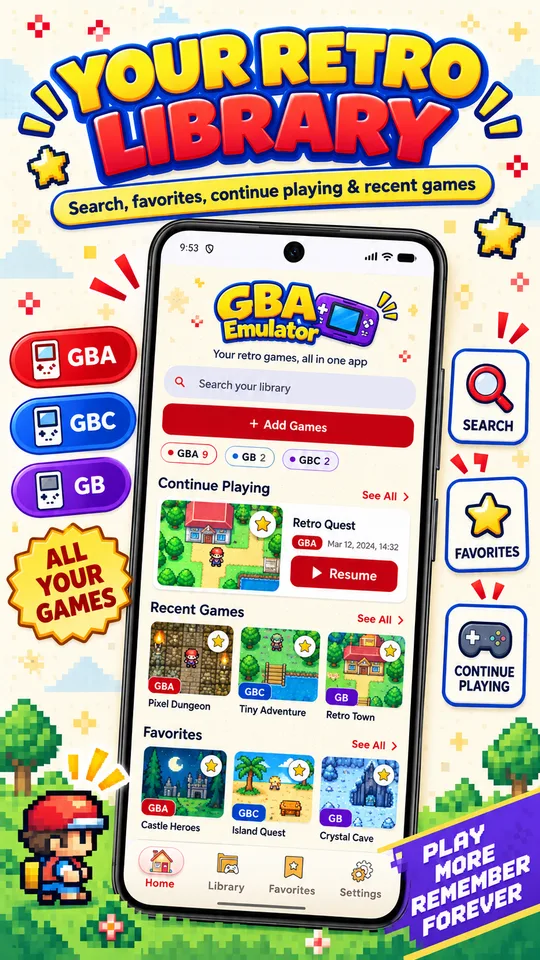
A simple way to play your patched games
Most people patching GBA, GBC or GB games want to play them on their phone. This app is made for exactly that.
Made for your patched games
A patched .gba, .gbc or .gb file is a regular game file. Import it like any other compatible game and play it on your phone.
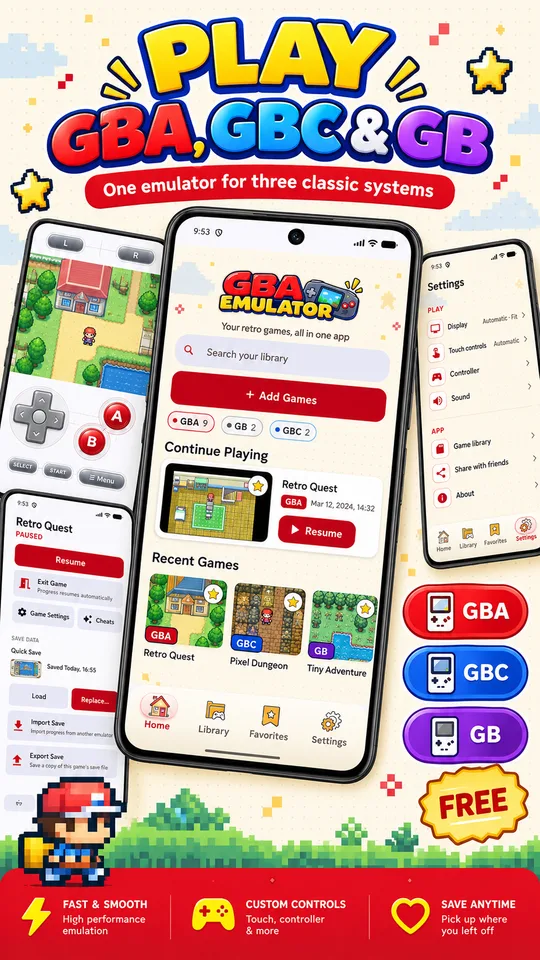
Three systems, one library
Game Boy Advance, Game Boy Color and Game Boy games live side by side, with favorites, recent games and Continue Playing.
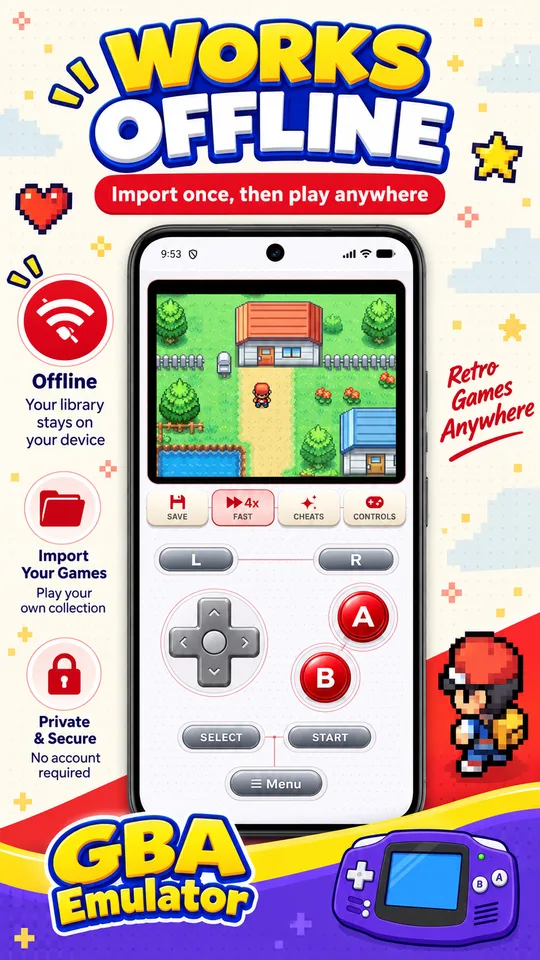
Private and offline
No account needed. Imported games, saves and your library stay on your device, and core gameplay works offline.
See GBA Emulator in action
Everything you need to play
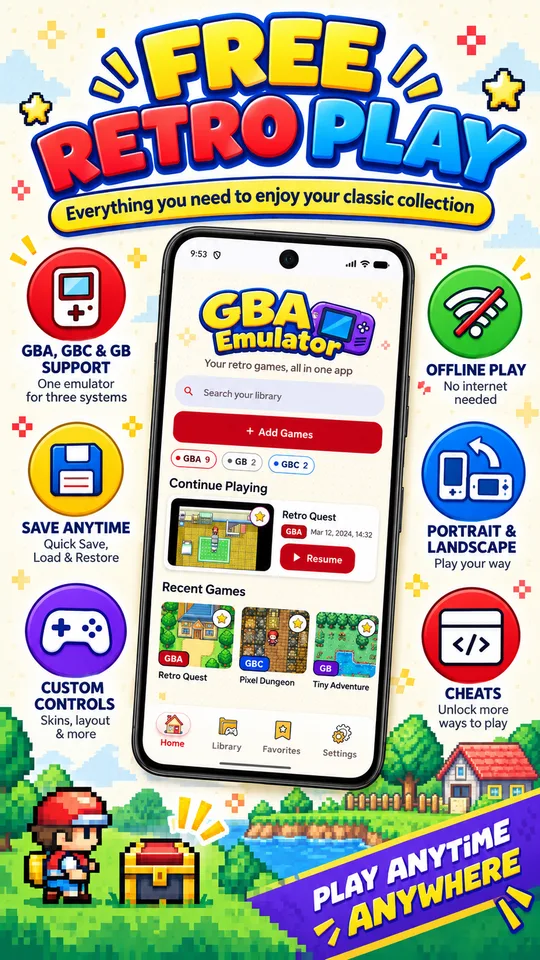
GBA, GBC & GB support
Play your own compatible GBA, GBC and GB game files. Add single games or import a folder.
Play offline
Once your games are imported, core gameplay works without an internet connection.
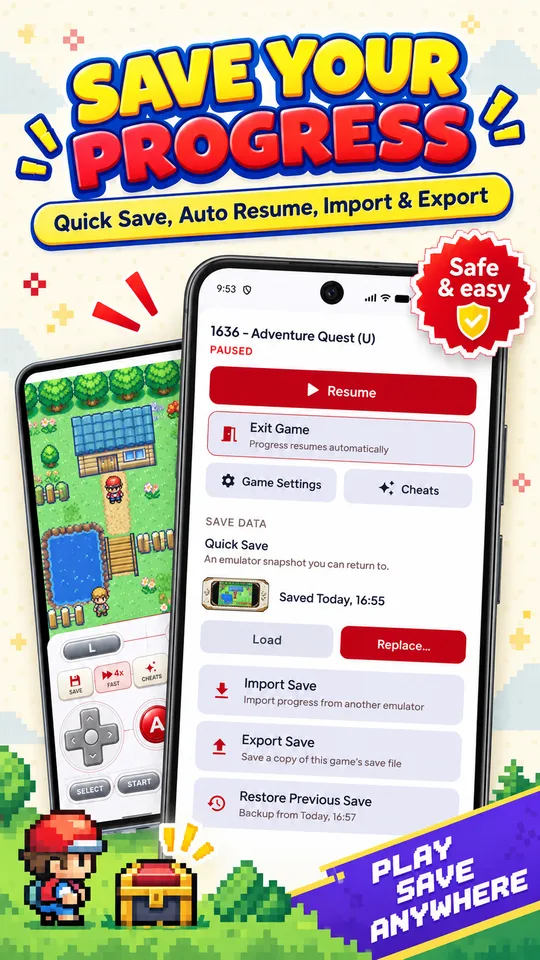
Flexible saves
Quick Save, Auto Resume, import and export save files, and Restore Previous Save.
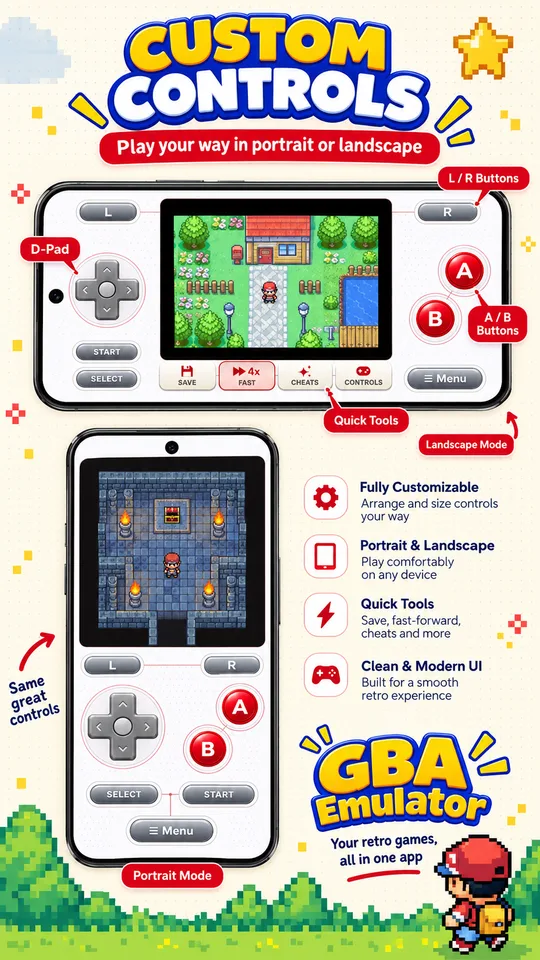
Customizable touch controls
Move and resize the D-pad, A/B, L/R, Start/Select and Menu, with separate portrait and landscape layouts.
Controller support
Connect a compatible game controller and play with physical buttons.
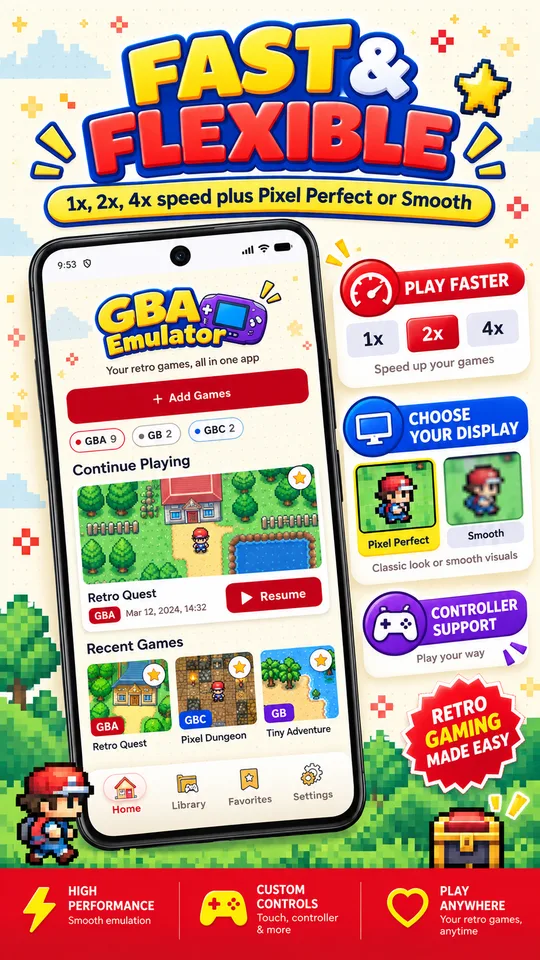
Pixel Perfect or Smooth
Pick sharp retro pixels or softer scaling, in portrait or landscape.
1x, 2x and 4x speed
Speed through slower sections when you want to.
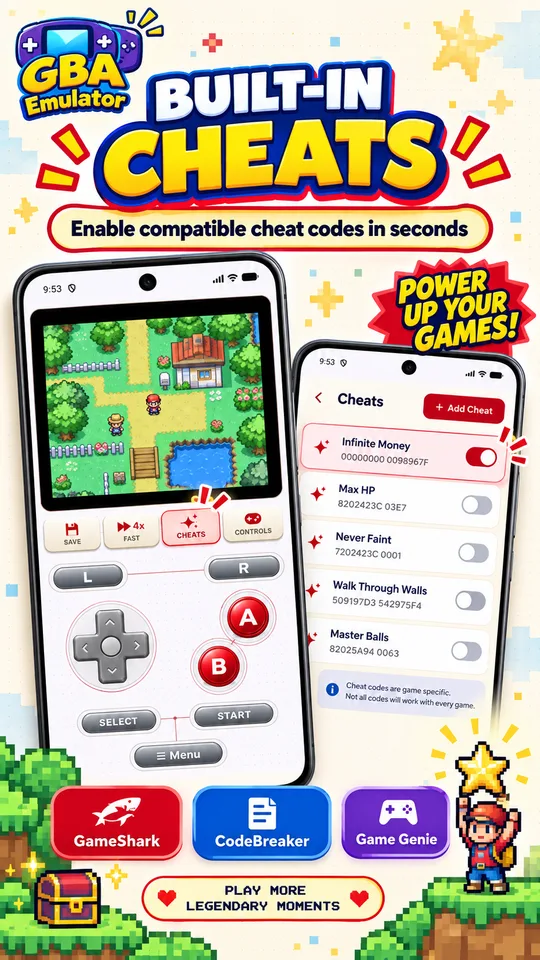
Built-in cheats
Add cheat codes per game: GameShark, Action Replay, CodeBreaker and Game Genie where supported by the system.
No account required
Your game files and saves are stored locally and are not uploaded to the developer's servers.
Which games work?
Supported: Game Boy Advance (.gba), Game Boy Color (.gbc) and Game Boy (.gb) game files.
Not supported:Nintendo DS (.nds) games. If your patched file is a DS game, this app can't play it.
From patch to play in four steps
Neither PatchMyROM nor the app includes games — bring game files you have the right to use.
- 1
Patch on PatchMyROM
Pick your own legally-dumped ROM and the patch. It all happens in your browser.
- 2
Download the file
Save the patched .gba, .gbc or .gb file to your Android phone.
- 3
Get GBA Emulator
Install it from Google Play and import the patched file into your library.
- 4
Play
Set up your controls and start playing.
New to patching? Read the GBA ROM patcher guide. Check the Google Play listing for supported Android versions.

Ready to play your patched game?
Get GBA Emulator: Play Retro Games on Google Play and take your GBA, GBC and GB games anywhere.
Get it on Google PlayFrequently asked questions
Related guides
PatchMyROM does not provide ROM files. GBA Emulator: Play Retro Games is an Android app by Gamesira; the Google Play listing states it contains ads and is not affiliated with or endorsed by Nintendo. Google Play is a trademark of Google LLC.